Monday, April 27, 2026
How to Screen Resumes Faster Without Missing Great Candidates

To screen resumes faster, define a short rubric before you open the first application: a few pass/fail knockout criteria and four to six weighted must-have skills. Check knockouts first, score the skills in one or two minutes per resume, ignore noise such as formatting, and send borderline candidates to a short skills test instead of debating them. That process is quick, consistent and fairer than reading every resume from top to bottom.
This guide sets out a repeatable resume screening process, how to separate red flags from noise, how to time-box the work, how to reduce bias, and when to stop reading resumes and start testing skills.
Why resume screening is slow
Resume screening usually drags for three reasons:
- No agreed criteria. The recruiter reads each resume and forms an overall impression, then the hiring manager disagrees.
- Reading everything. Every line gets equal attention, including the parts that do not predict job performance.
- Agonising over borderline cases. Most of the time is spent on the candidates who are neither clear yes nor clear no.
A defined process fixes all three.
How to screen resumes: a repeatable 5-step process
Step 1: Agree the screening rubric before the role opens
In a 20-minute intake with the hiring manager, write down the knockout criteria and the weighted criteria (explained below). Agree what "meets the bar" looks like for each. This step saves more time than any other, because it removes the back-and-forth later.
Step 2: Check knockout criteria first
Scan for the pass/fail requirements. If a candidate fails one, stop reading. This typically takes seconds.
Step 3: Score the weighted criteria
For candidates who pass, score each must-have skill on a simple 0–2 scale: 0 for no evidence, 1 for some evidence, 2 for clear, specific evidence. Look for outcomes and responsibilities, not just skill lists.
Step 4: Sort into three buckets
- Advance: clearly above your threshold.
- Test: near the threshold, or strong but unconventional.
- Decline: clearly below the threshold.
Step 5: Record a one-line reason
A short note ("no evidence of SQL beyond coursework") makes decisions explainable to the hiring manager and helps you calibrate over time.
Knockout vs weighted resume screening criteria
Mixing hard requirements with preferences is the most common screening mistake. Separate them:
| Knockout criteria | Weighted criteria | |
|---|---|---|
| Purpose | Remove candidates who cannot take the job | Rank candidates who can |
| Scoring | Pass / fail | Points per skill (for example 0–2) |
| How many | One to three | Four to six |
| Examples | Right to work in the location; required licence; available for mandatory on-call | API design experience; stakeholder communication; data analysis; automated testing |
| Common mistakes | Using a degree or years of experience as a knockout when it is not truly required | Weighting keywords instead of evidence of the skill |
If a criterion would make you reject a candidate who could clearly do the job, it is not a knockout. Move it to weighted, or drop it. This is the core idea behind skills-based hiring.
Sample screening rubric: customer support team lead
Here is how the knockout and weighted split looks for a real role. The same structure works for engineering, sales or operations hires.
- Knockout 1: right to work in the hiring country.
- Knockout 2: available for the role's fixed shift pattern.
- Weighted (0–2): has led or coached a team, even informally, with specific examples.
- Weighted (0–2): has handled escalated or complex customer issues.
- Weighted (0–2): has used metrics such as response time or satisfaction scores to improve a process.
- Weighted (0–2): clear written communication, judged from how the resume itself is written.
With four weighted criteria the maximum score is 8. A reasonable starting rule is: 6 or more advances, 4 to 5 goes to a short skills test, 3 or less is declined. Adjust the thresholds after the first batch if too many or too few candidates land in each bucket. Notice what is missing: no degree requirement, no minimum years, no list of specific help desk tools. Those can be learned or inferred from the weighted evidence.
Red flags vs noise
Much of what grabs attention on a resume does not predict performance. Train screeners to tell the difference.
Worth a closer look
- Claims that do not add up, such as senior titles with only junior-level responsibilities described.
- No evidence at all for a must-have skill, despite it being central to the role.
- Inconsistencies between dates, titles and descriptions.
- For writing-heavy roles, a resume that is hard to follow.
Usually noise
- Employment gaps. Caregiving, study, health, relocation and layoffs are common and rarely relevant.
- Formatting and design. Unless the role is design-related, layout says little about ability.
- School or employer prestige. A strong proxy for background, a weak one for skill.
- Short tenures in a tough market. Contract roles and restructures create them.
- Missing keywords. A candidate who "built the reporting pipeline" may not write "ETL", but they did the work.
Even items worth a closer look are prompts for a question, not automatic rejections.
Time-box your resume screening
Time-boxing keeps the process moving and stops fatigue from affecting decisions.
- Set a per-resume budget of one to two minutes for the first pass. If you exceed it, the candidate goes in the Test bucket.
- Screen in batches of 25 to 40, at a set time each day, rather than one at a time as applications arrive.
- Take breaks between batches. Decision quality drops when you screen for hours without a pause.
- Commit to a turnaround, such as screening every applicant within three working days. Speed matters to candidates and helps you reduce time to hire.
Avoiding bias in resume screening
Resume screening is where bias can do the most damage, because it decides who gets a chance to show their skills at all. Practical steps:
- Use the rubric every time. Scoring against written criteria reduces reliance on impressions.
- Remove proxy criteria such as specific schools, employers or unexplained years-of-experience thresholds.
- Hide details that are not job-relevant where your process allows, such as names, photos and addresses.
- Calibrate screeners. Have two people score the same ten resumes and compare results.
- Review outcomes. Look at who is advancing from each source and stage, and investigate unexpected drops.
When to move from resume screening to a skills test
Resumes are a weak signal for many roles. Move to a short skills test when:
- You have high applicant volume and many similar-looking resumes.
- The role attracts career changers, graduates or self-taught candidates whose resumes undersell them.
- The key skill is practical, such as coding or data analysis, and hard to judge on paper.
- You and the hiring manager keep disagreeing about borderline candidates.
A 20 to 45 minute test with a few auto-scored questions and one practical task often decides borderline cases faster than a second read of the resume, and gives candidates a fair chance. Our guide to pre-employment assessments covers how to design one.
How NirnAI helps you screen resumes faster
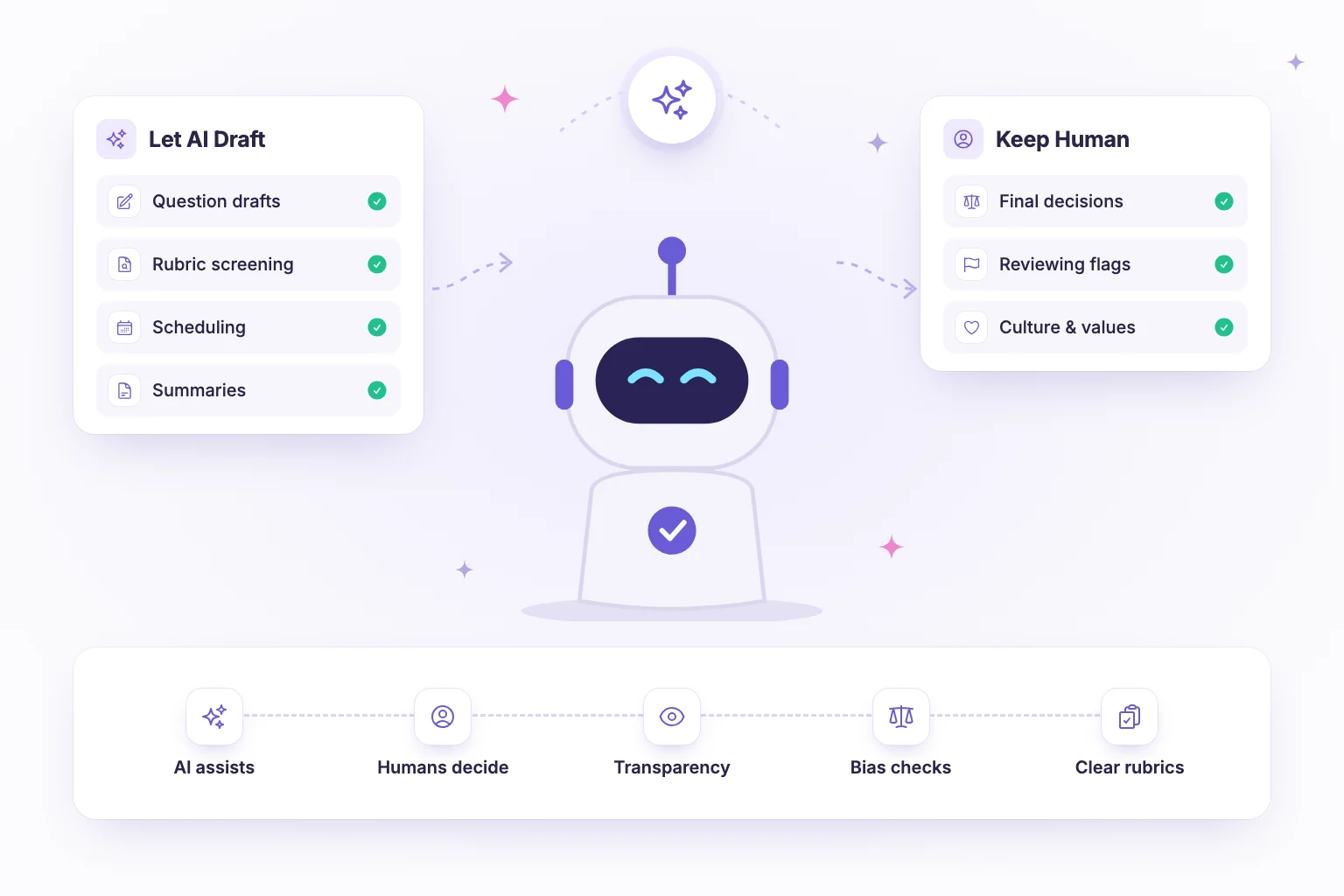
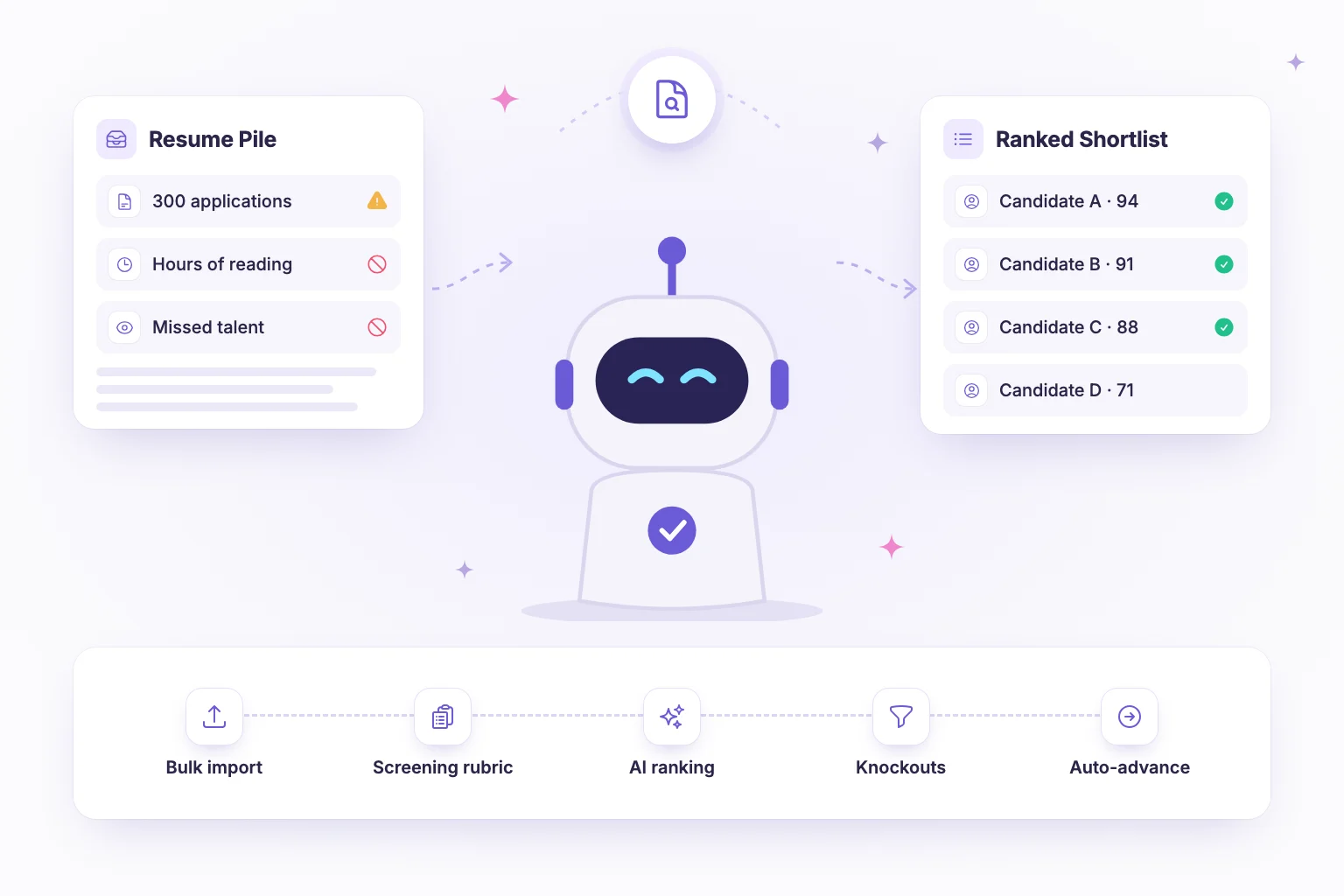
NirnAI turns the process above into a system. AI resume screening ranks resumes against a screening rubric of the skills the role needs, so recruiters start with an ordered shortlist and focus their time on the candidates near the threshold. Your team still makes the decisions.
If candidates arrive from a spreadsheet or another source, bulk import from CSV gets them into the pipeline in one step. From there, visual hiring workflows let you add an assessment stage, branch on results and auto-advance candidates who meet the bar, with a real-time Kanban view of where everyone stands.
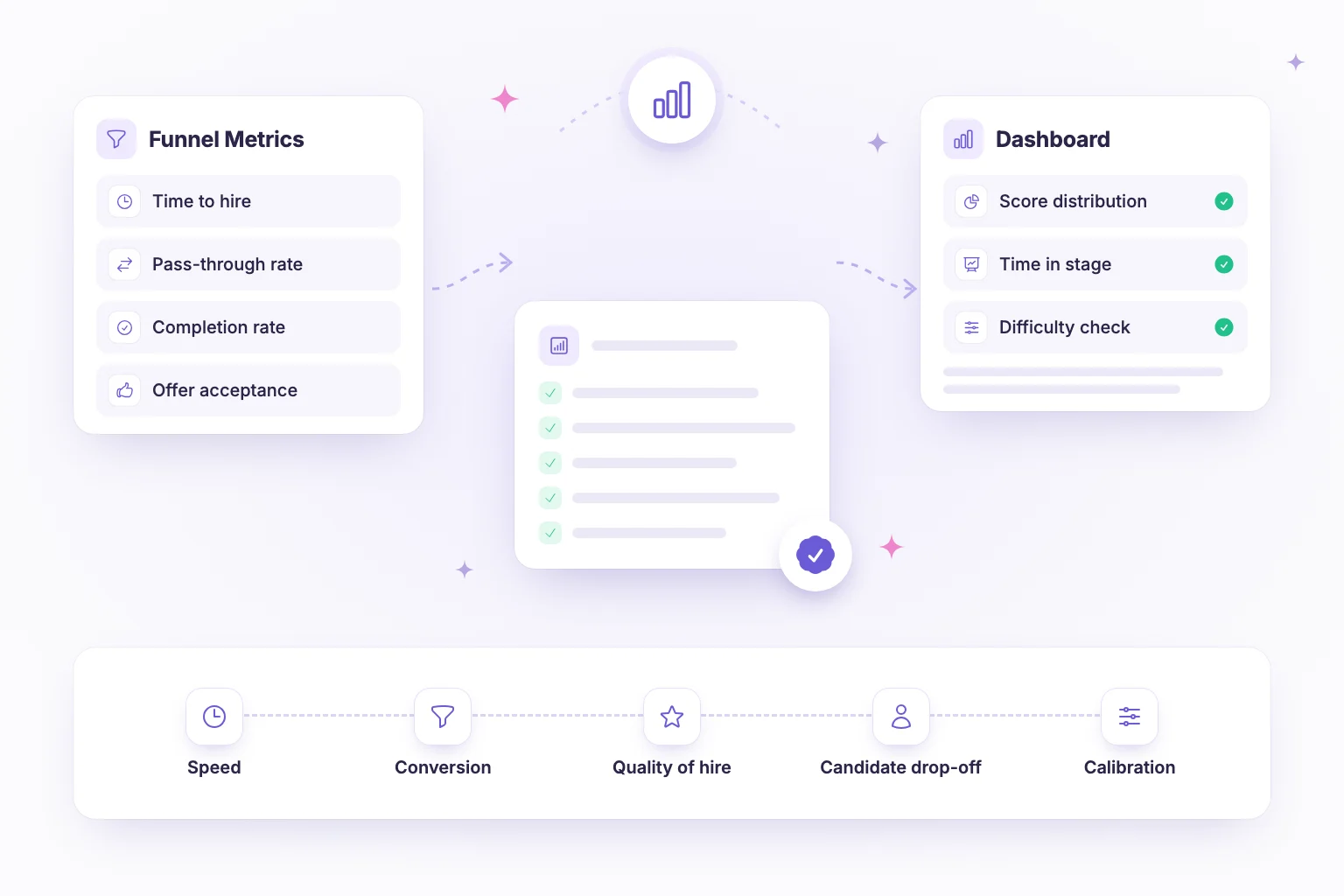
For the "test" bucket, AI question generation drafts a role-specific assessment from your job description, with multiple-choice, coding, open-ended and video questions that you review and edit before publishing. Analytics then show completion rates, score distributions and pipeline funnel so you can see where candidates drop off.
Spend less time reading and more time talking to the right people. Start a 14-day free trial of NirnAI.
Frequently asked questions
- How long should it take to screen a resume?
- With a clear rubric, a first-pass screen usually takes one to two minutes per resume. Check knockout criteria first, then score the must-have skills and move on. If you find yourself spending five minutes on one resume, it is usually a borderline case: mark it for a second look or let a short skills test decide rather than agonising over the document.
- What are knockout criteria in resume screening?
- Knockout criteria are non-negotiable requirements that a candidate must meet to be considered, such as legal right to work in the location, a required professional licence, or availability for a mandatory shift pattern. They are checked first and are pass or fail. Keep the list short. Anything that is really a preference, like a specific degree or years of experience, belongs in weighted criteria instead.
- Can AI screen resumes fairly?
- AI can help screen resumes consistently when it ranks candidates against a clear rubric of job-relevant skills, and when humans stay in charge of decisions. The fairness of the result depends heavily on the criteria you give it. Avoid criteria that act as proxies for background, such as school names, review AI rankings rather than accepting them blindly, and check outcomes across groups regularly.
- When should I use a skills test instead of screening resumes more closely?
- Move to a skills test when resumes stop giving you useful information: when you have many similar-looking applicants, when the role attracts career changers or self-taught candidates, or when the key skill is practical and hard to judge on paper. A short test of 20 to 45 minutes gives direct evidence and is often faster than debating borderline resumes.