Wednesday, August 5, 2026
Candidate Experience in Technical Assessments: What Feels Fair

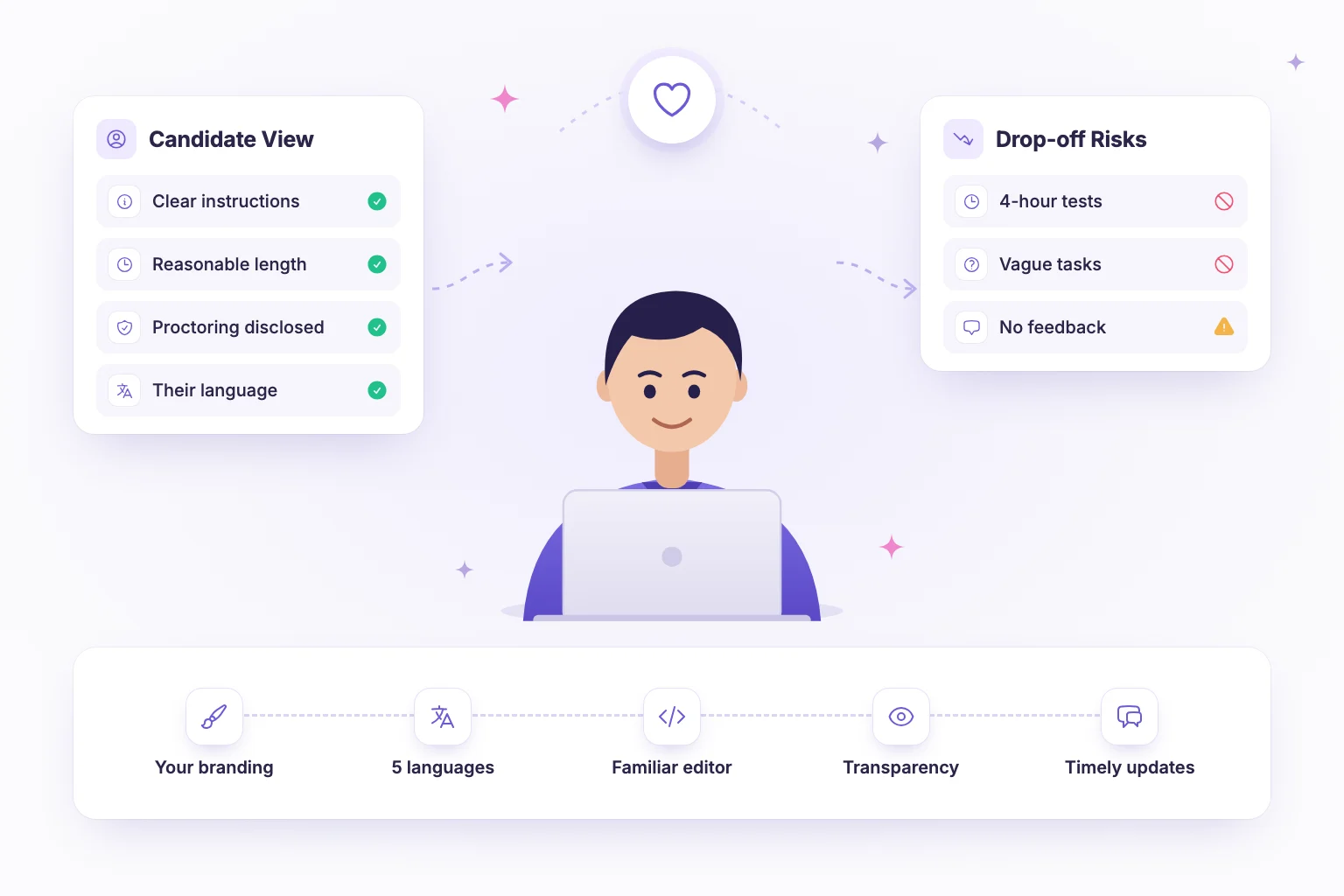
Good candidate experience in technical assessments comes down to respect and clarity. Candidates feel an assessment is fair when they know exactly what to expect, the test takes a reasonable amount of time, the tasks resemble the real job, monitoring is disclosed honestly and they hear back promptly. Get these right and you improve completion rates, protect your employer brand and get more accurate results.
This guide breaks down each factor, includes a do and don't table you can share with your hiring team and covers device guidance, accessibility and feedback.
Why candidate experience matters in technical hiring
Experienced engineers usually have options. If an assessment is confusing, excessively long or feels like a trick, many will simply close the tab, and the ones who stay may perform below their ability because of stress or unclear instructions. That means a poor experience does not only lose candidates; it also makes your data less reliable.
Candidates also talk. Developers share interview experiences with peers and online, so every assessment is a small piece of employer branding, including for the majority who will not be hired.
Clear instructions before the test starts
Most frustration comes from surprises. Before the first question, candidates should know:
- How long the assessment takes and whether the timer can be paused.
- How many sections there are and what each covers.
- Which programming languages are allowed and whether documentation or search is permitted.
- How answers are scored, for example test cases for code or a rubric for written answers.
- What happens next and when they will hear back.
Put this in the invitation email and repeat it on the start screen. A short practice question lets candidates get familiar with the editor before the clock starts. A dedicated candidate preparation page is a simple way to answer common questions once.
Reasonable length and real-world tasks
Respect candidates' time
Match the effort to the stage. An early screen should take 45 to 90 minutes; deeper exercises belong later, when both sides are more invested. If qualified internal engineers cannot finish comfortably in the time limit, the test is too long.
Test the job, not puzzles
Candidates are far more willing to invest effort when tasks resemble the work: parsing a realistic data file, fixing a bug in a small service, designing an API endpoint or writing a query-like transformation in code. Abstract brain teasers feel arbitrary and rarely predict performance. Our article on why real coding assessments produce better hires goes deeper into task design.
Transparency about proctoring
Proctoring is a reasonable deterrent for remote assessments, but hidden or unexplained monitoring damages trust. Be specific about what is monitored, why and what happens with flags:
- List the signals, for example camera presence, tab switches, fullscreen exits, copy and paste events and screen recording.
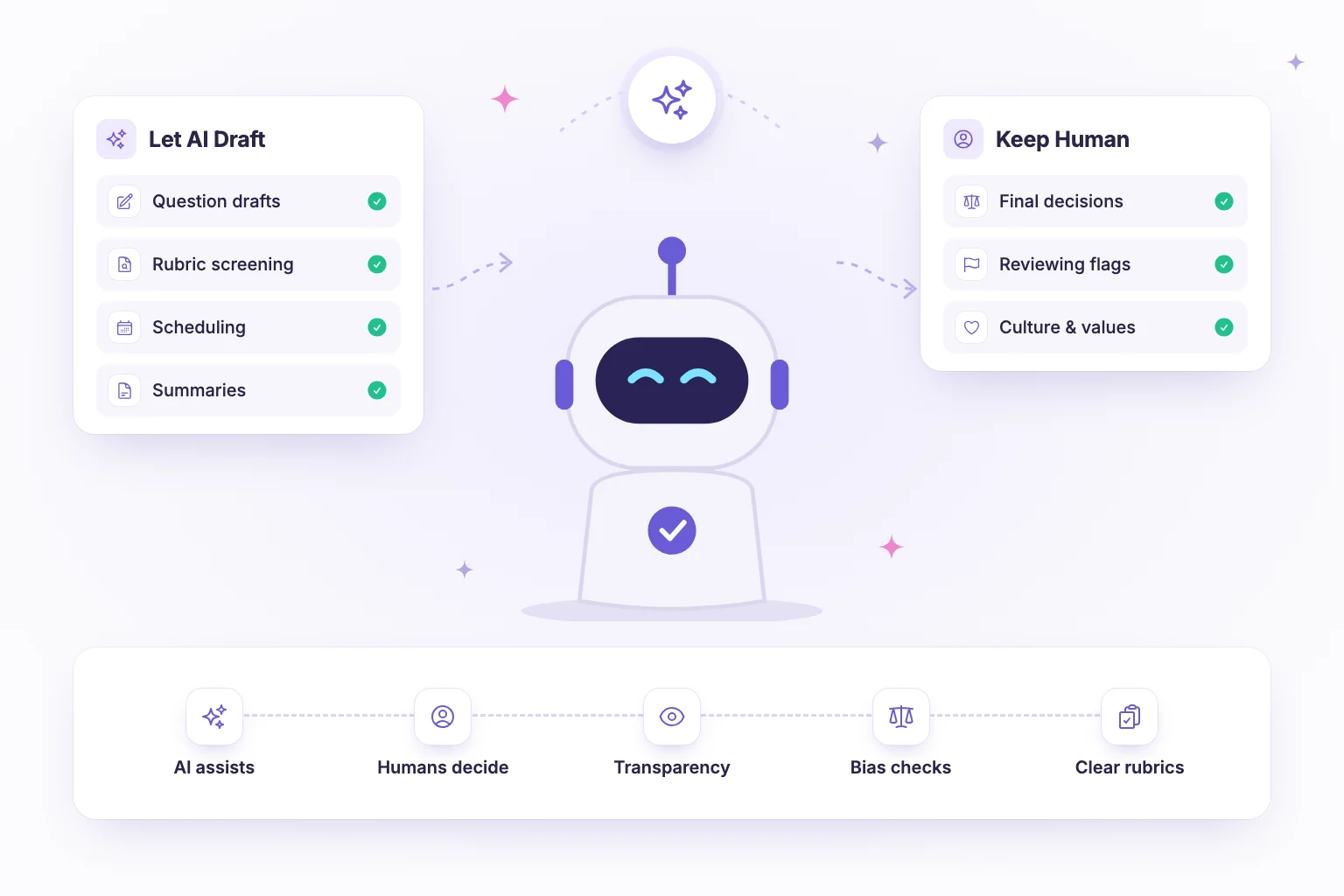
- Explain that flags are reviewed by a person, not treated as automatic proof of cheating.
- Tell candidates what to avoid, such as leaving fullscreen, and what is fine, such as briefly looking away to think.
- Explain how long recordings are kept and who can see them.
For background on how this works in practice, see what a proctored assessment is and how it works.
Accessibility and device guidance
A fair test is one every qualified candidate can actually take. Build in:
- Accommodations on request, such as extra time, with a simple way to ask before the test.
- Language options for the interface where you hire internationally.
- Choice of programming language for coding tasks, unless one language is a genuine must-have.
- Clear device guidance: say whether a laptop or desktop is required, which browsers are supported, whether a webcam is needed and the minimum connection. Most coding assessments are not practical on a phone, so tell candidates before they open the link on one.
- A support contact during the test and a clear retake policy for technical failures.
Timely feedback and next steps
Silence after an assessment is the most common complaint candidates have. Set a response time, such as five working days, state it in the invitation and meet it. For candidates who progress, move them to the next stage quickly. For those who do not, a brief, respectful message is the minimum; where possible, share high-level feedback such as which areas were strongest.
Do and don't: a quick reference
| Area | Do | Don't |
|---|---|---|
| Instructions | Share duration, sections, scoring and next steps in advance | Reveal the format only after the timer starts |
| Length | Keep early screens to 45–90 minutes | Send a multi-day project as the first step |
| Tasks | Use realistic problems from the role | Rely on trick puzzles and trivia |
| Proctoring | Disclose what is monitored and that humans review flags | Monitor silently or auto-reject on a single flag |
| Accessibility | Offer accommodations, interface language and programming language choices | Assume one setup works for everyone |
| Devices | State browser, webcam and device requirements up front | Let candidates discover mid-test that mobile is unsupported |
| Branding | Use your company name, logo and tone throughout | Send candidates to an unfamiliar, unbranded page |
| Feedback | Respond within a published timeframe | Leave candidates waiting with no update |
Candidate communication templates
Much of a good candidate experience is simply good communication. These short templates cover the moments that matter most.
Assessment invitation
Hi [Name], thanks for applying for [Role]. The next step is a [duration]-minute online assessment with [sections]. You can use [languages] for the coding task. The assessment is proctored: we monitor [signals], and any flags are reviewed by a member of our team. Please complete it by [date] on a laptop or desktop with a webcam and a recent browser. If you need an accommodation, reply to this email. We will get back to you within [number] working days.
Progression message
Hi [Name], thank you for completing the assessment. We would like to invite you to a [duration]-minute technical interview. Please choose a time that suits you using this link: [link]. We will discuss your solution, so there is no need to prepare anything new.
Rejection message
Hi [Name], thank you for the time you spent on our assessment. We will not be moving forward with your application for [Role] this time. Your strongest area was [area]. We would be glad to see you apply for future roles.
Adjust the tone to your company, but keep the substance: what happens next, when, and what the candidate needs to do.
Measuring candidate experience
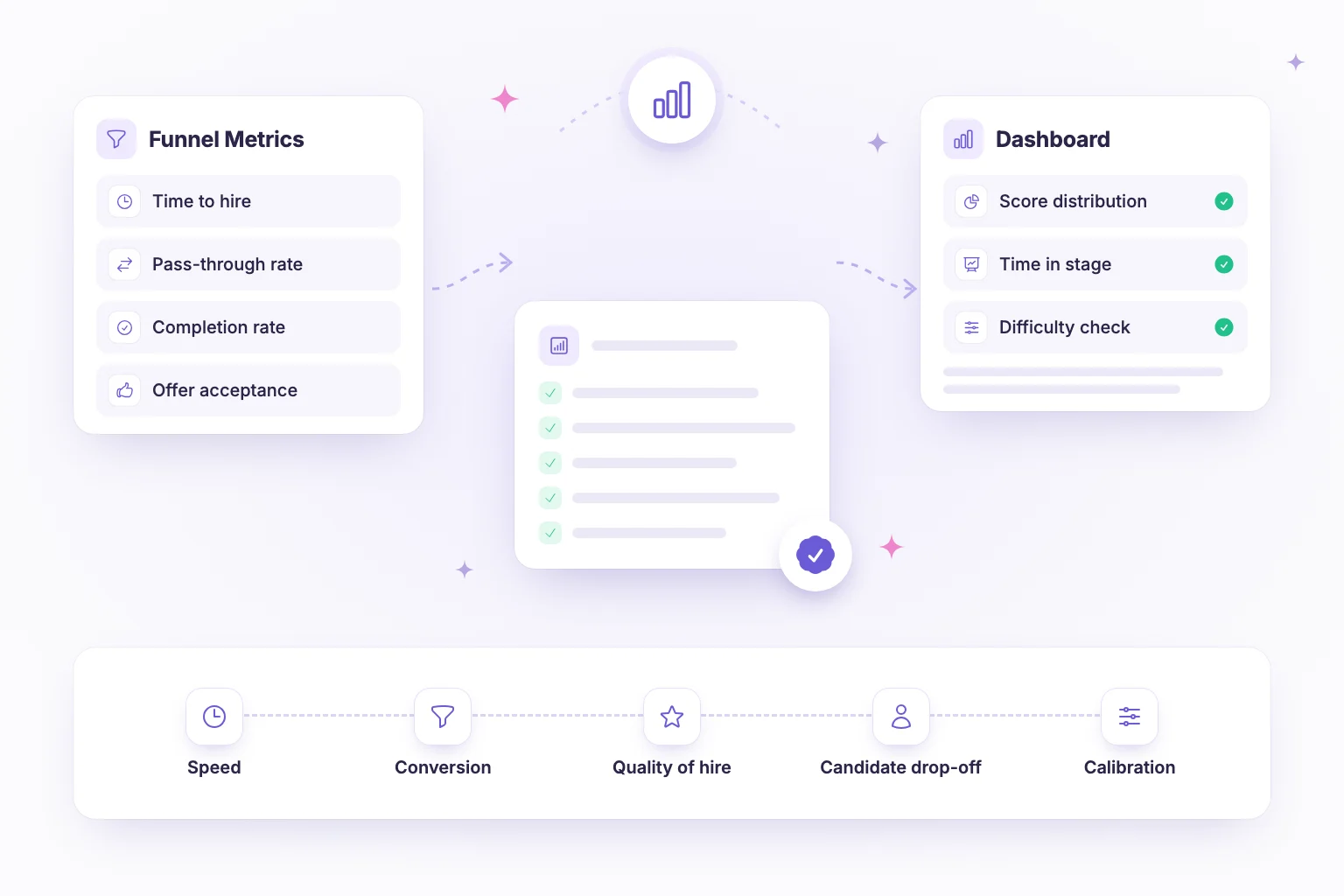
Track assessment completion rate, drop-off by section, time to complete and time to evaluate. A sudden drop in completion after one section often points to an unclear or overly long question. A short optional survey at the end of the assessment, asking whether instructions were clear and the length was reasonable, adds useful qualitative signal. Review the answers each quarter and change one thing at a time so you can see what actually helped.
How NirnAI supports a better candidate experience
NirnAI gives you the controls to make assessments clear, familiar and fair. Custom branding with your logo, colours and custom domain means candidates see your company, not an unfamiliar tool. The candidate-facing platform is available in five languages: English, Spanish, French, German and Portuguese.
Coding tasks run in an in-browser editor with syntax highlighting, autocomplete and test cases, and candidates can work in any of nine languages you enable, so nobody needs to install anything. You can combine multiple choice, coding, open-ended and video questions to keep tests realistic and appropriately short. Standard proctoring monitors signals such as face presence, tab switches, fullscreen exits and copy and paste, and produces flags that a human reviewer decides on, which you can disclose clearly to candidates. Analytics on completion rates and time to complete show where candidates struggle, and workflows move people to the next stage quickly so nobody waits in silence.
Point candidates to the NirnAI candidate guide before they begin, and start a 14-day free trial to build an assessment candidates will describe as fair.
Frequently asked questions
- What makes a technical assessment feel fair to candidates?
- Candidates judge fairness on a few things: clear instructions before they start, a length that respects their time, tasks that resemble the real job, honesty about how the test is monitored and scored, reasonable accommodations and a timely response afterwards. When those basics are in place, even candidates who do not progress tend to describe the process positively.
- How long should a technical assessment take?
- For an early-stage screen, 45 to 90 minutes is a sensible range. Tell candidates the expected duration up front and design the test so a qualified person can finish comfortably within the time limit. Longer take-home work should be reserved for later stages, scoped tightly and ideally limited to two or three hours of effort.
- Should you tell candidates that an assessment is proctored?
- Yes. Explain before the test starts what is monitored, such as camera, screen, tab switches and copy and paste, why it is monitored and how the information is used. Make clear that flags are reviewed by a person rather than triggering automatic rejection. Transparency reduces anxiety, improves trust and makes proctoring a fairer deterrent.
- How can I make technical assessments more accessible?
- Offer extra time and other accommodations on request, provide the test in the candidate’s preferred language where possible, allow a choice of programming languages, use readable layouts and tell candidates in advance which device, browser and connection they need. Include a contact for problems during the test and a straightforward way to request a retake if something goes wrong.