Tuesday, May 26, 2026
Remote Hiring Checklist: Every Step From Job Post to Day One

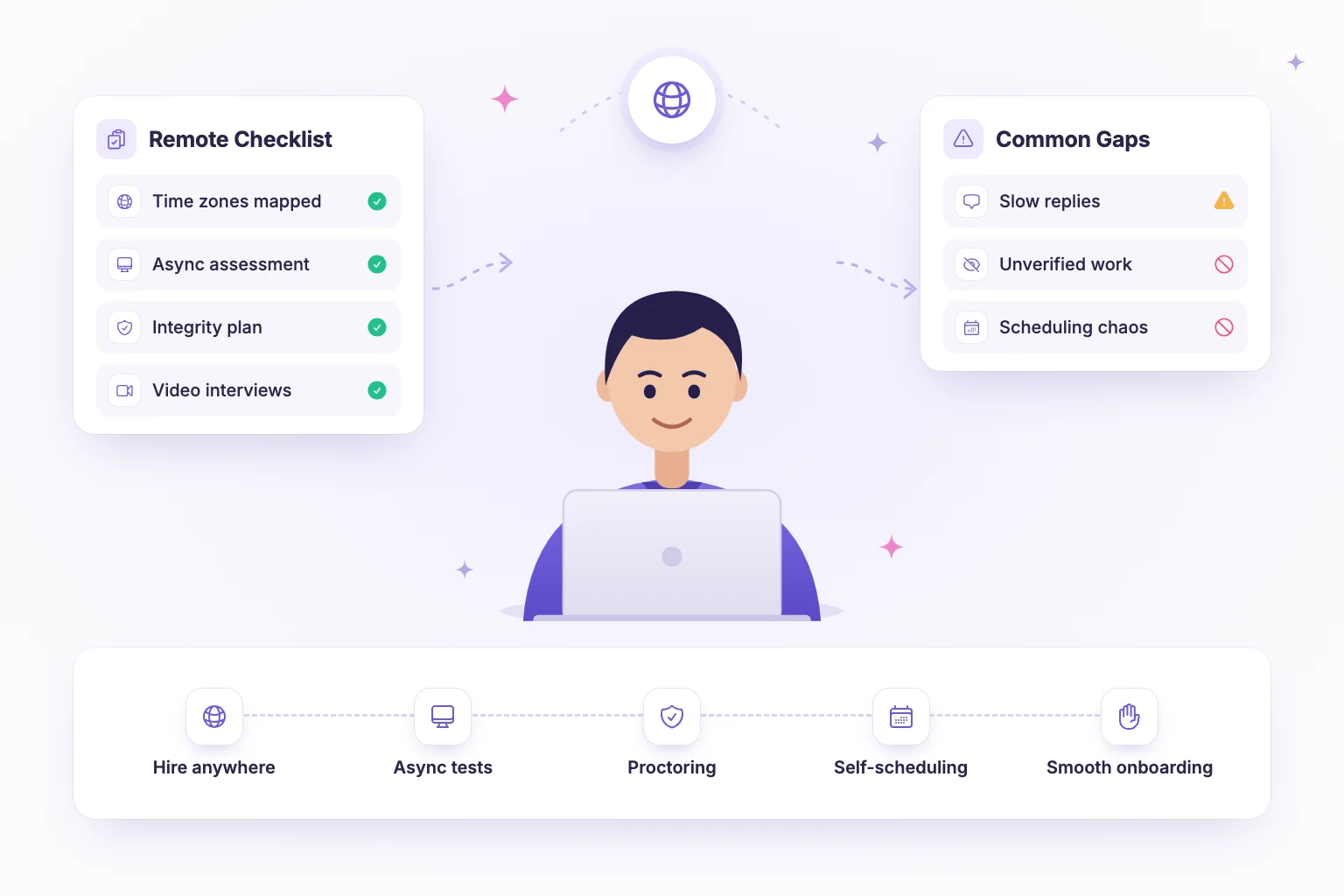
A remote hiring checklist is a step-by-step list that makes sure you define the role, assess skills fairly, protect assessment integrity, handle time zones and hand off cleanly to onboarding when you are hiring someone you may never meet in person. The core idea is simple: without an on-site day, every stage must produce clear, written evidence. Use the checklist below as a template and adapt it to your roles.
We have grouped the steps into six phases. Each phase ends with the output it should produce, so you can see at a glance whether you are ready to move on.
Why remote hiring needs its own checklist
In an office-based process, a lot of evaluation happens informally: a candidate meets several people in one afternoon, hiring managers compare impressions in the corridor, and onboarding starts with someone walking the new hire to their desk. Remote hiring removes all of that. What replaces it has to be deliberate.
Three things change the most. First, evidence has to be written down, because the panel may never be in the same room, or even the same time zone. Second, trust in assessment results has to be earned through design, transparency and review, since you cannot see the candidate's environment. Third, the handoff to onboarding is fragile: a remote new hire who starts without equipment, access or a clear first task can feel disconnected within days. The checklist below addresses each of these directly.
Phase 1: Define the remote role
Remote roles fail most often because expectations were never written down. Before posting anything, agree on:
- Outcomes for the first 90 days. What will this person have shipped, owned or improved?
- Must-have skills. Four to six, ranked. These become your assessment and scorecard criteria.
- Location and time zone rules. Fully global, a region, or a required overlap window (for example, four hours with the team's core hours)?
- Working style. How much is synchronous versus written, and which tools the team uses.
- Compensation approach. A single band or location-adjusted, decided before you talk to anyone.
If you hire engineers, our guide to writing a job description for developers helps turn these decisions into a clear posting. Output: a one-page role scorecard.
Phase 2: Asynchronous assessments
Async assessments are the backbone of the remote hiring process. Candidates take them when it suits them, so time zones stop being a scheduling problem and every applicant gets the same test.
- Map each must-have skill to a question format: coding or work sample for practical skills, multiple choice for fundamentals, written answers for reasoning, video responses for spoken communication.
- Keep the total to 45 to 90 minutes and state the duration upfront.
- Write a scoring rubric for every non-auto-scored question before launch.
- Offer a flexible completion window, such as five days, so candidates can choose a quiet time.
- Pilot the assessment with a current team member.
Video responses are especially useful here: they give you a sense of how someone explains their thinking without booking a call at an awkward hour for either side. Output: a published, piloted assessment and rubric.
Phase 3: Assessment integrity for remote candidates
When you cannot see the room, you need other ways to trust results. No tool makes cheating impossible, so combine good design with evidence gathering and human judgement.
- Design first. Role-specific, practical questions are harder to outsource than generic trivia. See our advice on designing assessments that stay ahead of AI cheating.
- Use proctoring as a deterrent and evidence tool. Signals like face presence, looking-away tracking, tab switches, fullscreen exits, copy/paste events and screen recording give reviewers context.
- Be transparent. Tell candidates before they start what is monitored and why. Point them to preparation resources.
- Review flags as a human. A flag is a prompt to look at the evidence, not a verdict. Read our overview of what a proctored assessment is for how to interpret signals fairly.
- Verify in conversation. In the interview, ask candidates to walk through their own submission and extend it.
Output: an integrity policy you can explain to candidates in two sentences.
Phase 4: Time zones and scheduling
Scheduling across time zones is where remote processes quietly lose days.
- Always display times in the candidate's local time zone.
- Let candidates self-book from interviewer availability rather than trading emails.
- Offer slots across at least two days and, where possible, at both ends of your team's working day.
- Rotate interviewers so the same person is not always taking early or late calls.
- Set a target for the gap between stages, for example no more than three business days.
Our post on interview scheduling automation covers the setup in more detail. Output: a scheduling flow that needs no manual coordination.
Phase 5: Video interviews
- Send the agenda, interviewer names and the video link at least a day in advance.
- Test your own audio and video; a poor connection on your side reflects on the company.
- Use a structured interview with the same core questions for every candidate.
- Fill in a shared scorecard within 24 hours of the call.
- Leave time for the candidate to ask about remote working norms, tools and communication habits.
- Hold a short debrief within 48 hours of the final interview.
Output: completed scorecards and a documented decision.
Phase 6: Offer and onboarding handoff
- Send the offer promptly, with contract type, pay, equipment and working-hours expectations in writing.
- Share the hiring notes relevant to onboarding: strengths, areas to support, and any skills gaps seen in the assessment.
- Arrange equipment shipping and system access before day one.
- Assign an onboarding buddy in an overlapping time zone.
- Prepare a written first-week plan with a small, achievable first task.
Output: a new hire who is productive in week one, not waiting for a laptop.
Common remote hiring mistakes
- Copying the office process onto video. Five back-to-back video calls in one day is tiring for everyone and punishes candidates in distant time zones. Move what you can to asynchronous steps.
- Vague location rules. Saying "remote" without stating time zone overlap or country restrictions wastes both sides' time. Put it in the job post.
- Treating proctoring flags as proof. A tab switch can be a notification or a lost connection. Review the evidence and, if unsure, discuss it with the candidate.
- Silence between stages. Remote candidates have no office buzz to read. Send a short status update at every stage, even if the answer is "still reviewing".
The remote hiring checklist at a glance
| Phase | Key checks | Owner | Done |
|---|---|---|---|
| 1. Define the role | 90-day outcomes, ranked skills, time zone rules, pay approach | Hiring manager | ☐ |
| 2. Async assessment | Skills mapped to formats, 45 to 90 min, rubric, pilot | Hiring manager and recruiter | ☐ |
| 3. Integrity | Practical questions, proctoring, candidate notice, human review | Recruiter | ☐ |
| 4. Time zones | Local times shown, self-booking, rotating interviewers | Recruiting ops | ☐ |
| 5. Video interviews | Agenda sent, structured questions, scorecards in 24 hours | Interview panel | ☐ |
| 6. Offer and onboarding | Written offer, handoff notes, equipment, buddy, first-week plan | Hiring manager and HR | ☐ |
How NirnAI helps with remote hiring
NirnAI is designed for teams that assess and interview candidates they may never meet in person. Our remote hiring solution brings the pieces together:
- Asynchronous assessments with multiple choice, coding in 9 languages, open-ended written answers and video responses that candidates record in their own time.
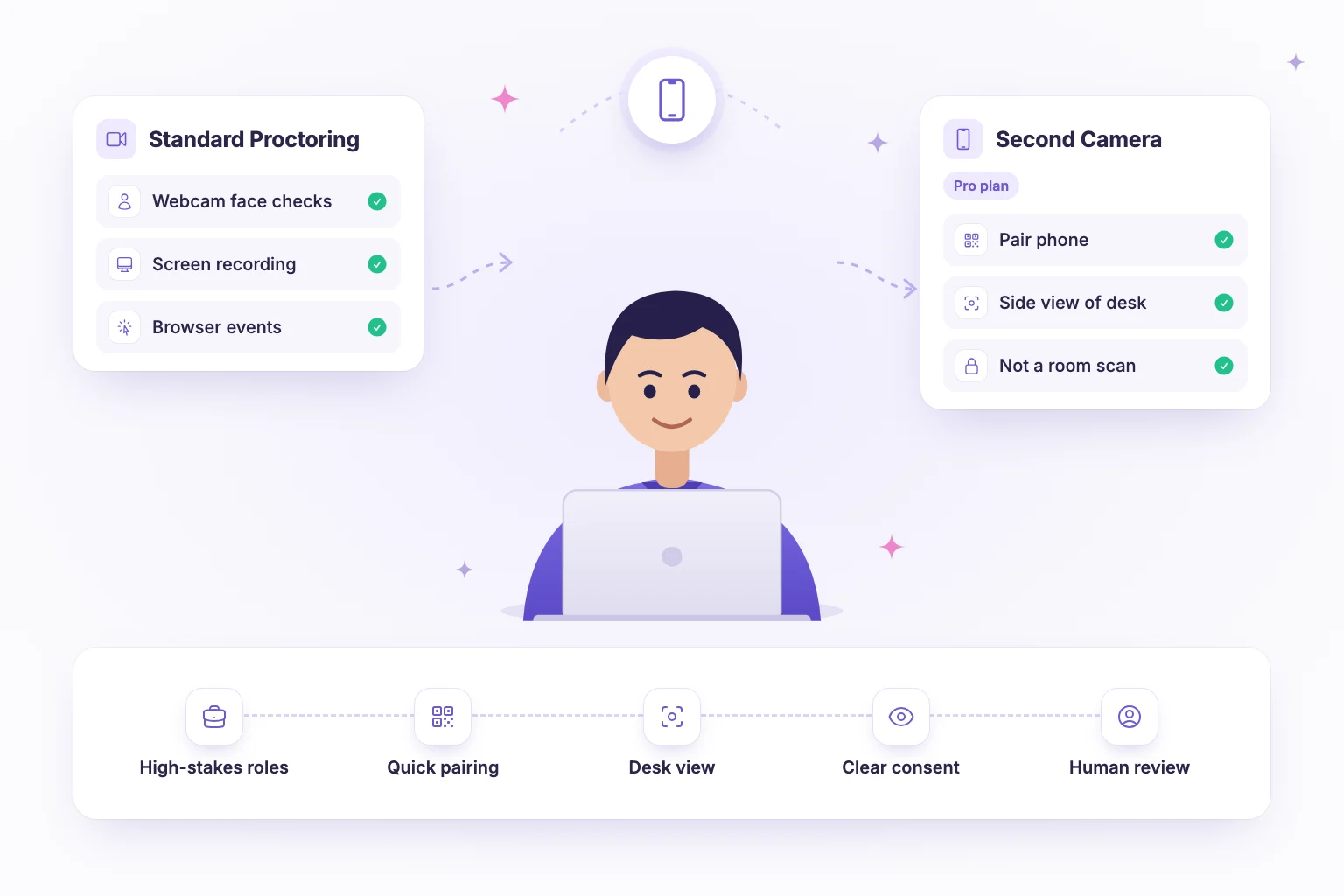
- Standard proctoring on every plan: face presence and multiple-face detection, head-pose tracking, tab switches, fullscreen exits, copy/paste events, screen recording with screen-share checks and multi-monitor detection. An integrity score and flags support a human reviewer, who makes the call. On the Pro plan, advanced proctoring pairs the candidate's phone as a second camera showing a side view of the desk.
- Interview scheduling with Google Calendar and Microsoft Outlook, so candidates self-book slots that work across time zones.
- Structured scorecards and visual workflows that keep distributed interview panels consistent.
- Five platform languages and custom branding for a professional candidate experience.
Planning your next remote hire? Start a 14-day free trial and run the whole process in one place.
Frequently asked questions
- How is remote hiring different from in-office hiring?
- Remote hiring removes the in-person signals teams often lean on, such as an on-site interview day, so every stage has to produce its own evidence. You need clear written role requirements, assessments candidates can take on their own schedule, integrity safeguards that are explained upfront, careful time zone handling and a deliberate onboarding handoff because the new hire cannot simply walk over and ask.
- How do you check that a remote candidate did their own assessment?
- Combine assessment design with proctoring. Use practical, role-specific questions and follow-up discussion in the interview, where candidates walk through their own submission. Proctoring signals such as tab switches, face presence and screen recording give reviewers evidence to examine. Treat flags as prompts for human review rather than proof, and tell candidates in advance what is monitored.
- What should a remote hiring process include?
- A solid remote hiring process includes a written role scorecard, a clear job post that states location and time zone expectations, an asynchronous skills assessment, a structured video interview loop with shared scorecards, self-service scheduling across time zones, a timely decision and offer, and a documented handoff to onboarding covering equipment, access and a first-week plan.